Microsoft Office Programs course
About the Course
Office Programs Course is designed for anyone aged 16 and above and lasts 2 months. The course is conducted in a weekly format of 2 lessons and focuses on practical, project-based learning.
This program teaches students to use the most common tools in the workplace – Word, Excel, PowerPoint, and Outlook – at a professional level, helping them improve office skills and enhance career opportunities.
📌 What you will learn during the course:
• Microsoft Word – creating and formatting documents
• Microsoft Excel – building spreadsheets, formulas, and reports
• Microsoft PowerPoint – designing effective presentations
• Microsoft Outlook – managing email and workflow
Throughout the course, students work on real-world tasks, develop practical skills, and upon completion, receive a professional certificate.
- Shortcut keys for working efficiently
- Creating documents and professionally formatting text
- Defining text structure and levels (understanding of styles)
- Quick editing using find and replace tools
- Inserting and formatting tables and objects
- Creating an automatic and functional table of contents
- Setting page layout, page numbering, and print preview
- Basics of the program and the structure of the user interface
- Shortcut keys for working efficiently
- Accurate data entry, formatting, and auto-filling
- Transferring and structuring data
- Visually formatting tables and adapting them for presentations
- Applying basic mathematical operations and logical functions
- Creating formulas using absolute and relative cell references
- Creating dynamic tables and performing visual analysis with charts and graphs
- Program basics, user interface, and window structure
- Creating a presentation, using templates, and managing slides
- Inserting text, auto-correction, and formatting
- Slide design: fonts, paragraphs, color schemes, and background selection
- Adding slide animations and transition effects
- Print settings and print preview of the presentation
- Program basics: Launching and getting familiar with the interface
- Working with email: Creating emails, replying, and managing attachments
- Email formatting: Font styles, text alignment, and applying filters
- Saving emails: Automatically organizing into folders and using the search function
- Working with the calendar: Scheduling meetings, formatting the calendar, and printing
- Organizing meetings and tasks: Planning resources and events
Enroll Now
Who Can Enroll?
16 above
Suitable for young people over 16 years old
Computer usage
Those who has computer knowledge and knows how to use it
English knowledge level
Those with basic reading and writing skills in English
Logical thinking
Those who are able to analyze problems and find the right solutions
Course Instructors
All instructors at JET Academy are highly experienced professionals in their field, distinguished by their pedagogical skills

Gunduz Haydarov
Python Back-End Development instructor

Mammadali Mammadaliyev
Python Back-End Development instructor

Murad Orujov
Full Stack Development instructor
%20(1)-1761313230587.webp&w=828&q=75)
Shamil Vasiyev
Full Stack Development instructor

Ramin Mammadazada
Full Stack Development instructor
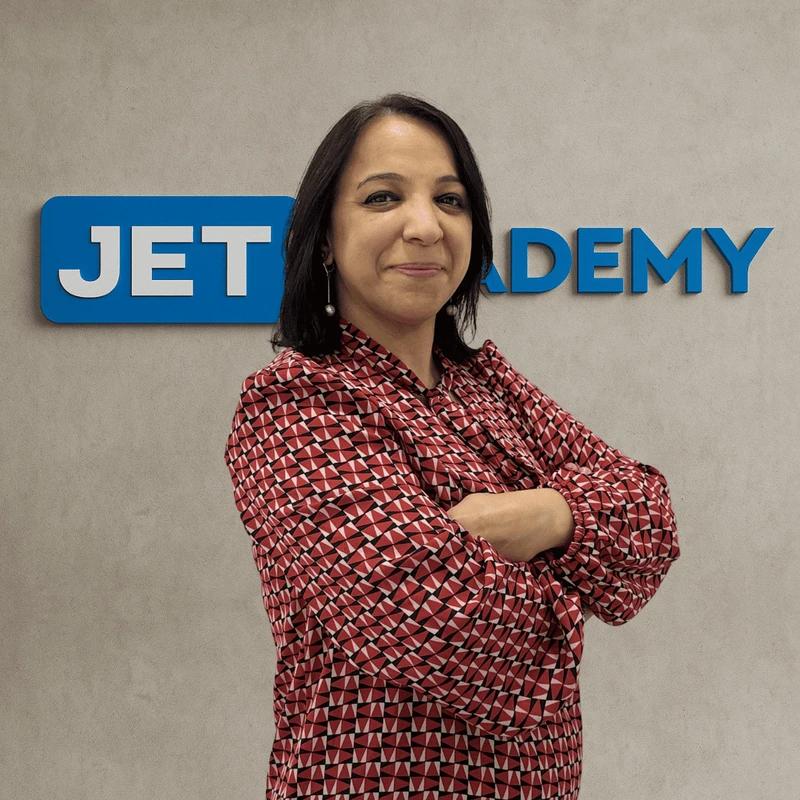
Gulnara Dashdamirova
Microsoft Office Programs instructor

Vahid Teymurlu
Data Analytics instructor

Mushvig Manafli
Java Back-End Development instructor

Huseynaga Gurbanov
Practical Computer Knowledge instructor

Jeyhun Sharafkhanov
IT Help Desk instructor

Arif Mukhtarov
IT Help Desk instructor

Tural Karimov
IT Help Desk instructor
-1761719440403.webp&w=828&q=75)
Nazli Ibrahimli
English instructor

Nijat Babayev
Cybersecurity instructor
-1761912146662.webp&w=828&q=75)
Huseyn Rustamli
Java Back-End Programming mentor
-1763979824141.webp&w=828&q=75)
Yusif Teymurlu
Python Back-End Development mentor